What Are Smart Lights, Exactly?
A smart light is any light bulb, strip, or fixture you can control from your phone, voice assistant, or automation. Instead of flipping a wall switch, you say "Hey Google, turn off the bedroom light" or tap your phone at midnight without getting out of bed.
Most smart lights also let you:
- Change colour — 16 million colours from warm candlelight to party purple
- Set schedules — lights on at sunset, off at midnight, automatically
- Dim without a dimmer switch — control brightness from 1% to 100%
- Simulate presence — randomly toggle lights while you are on holiday to deter break-ins
- Sync with music or movies — some systems pulse lights to your music
In 2026, smart lights in Australia start at $18 per bulb. You do not need a hub, you do not need an electrician, and setup takes about two minutes.
What You Need to Get Started
Here is the minimum shopping list for your first smart light:
1. A smart bulb — with an E27 or B22 fitting (check your existing lamp) 2. A Wi-Fi router — the one your ISP gave you is fine (2.4GHz, which every NBN router supports) 3. A smartphone — iPhone or Android, for the setup app 4. Optional: a voice assistant — Amazon Echo, Google Nest, or Apple HomePod for hands-free control
That is it. No electrician, no hub, no rewiring.
The Two Types of Smart Bulbs in Australia
Wi-Fi Bulbs (Simplest)
These connect directly to your home Wi-Fi. No bridge or hub needed.
- ✅ Cheapest option
- ✅ Simplest setup
- ❌ Each bulb uses a Wi-Fi connection (can slow your network with 15+ bulbs)
- ❌ Some brands lock you into one ecosystem
Example: TP-Link Tapo L535E (Matter) — $18, 16 million colours, works with Alexa, Google, and Apple HomeKit via Matter.
Bridge-Based Bulbs (Most Reliable)
These use a dedicated hub ("bridge") that plugs into your router. Bulbs talk to the bridge via Zigbee, not Wi-Fi — so they do not clog your network.
- ✅ Rock-solid reliability even with 50+ bulbs
- ✅ Faster response times
- ✅ More advanced automations
- ❌ Requires a bridge ($80-$100 extra)
- ❌ Higher per-bulb cost
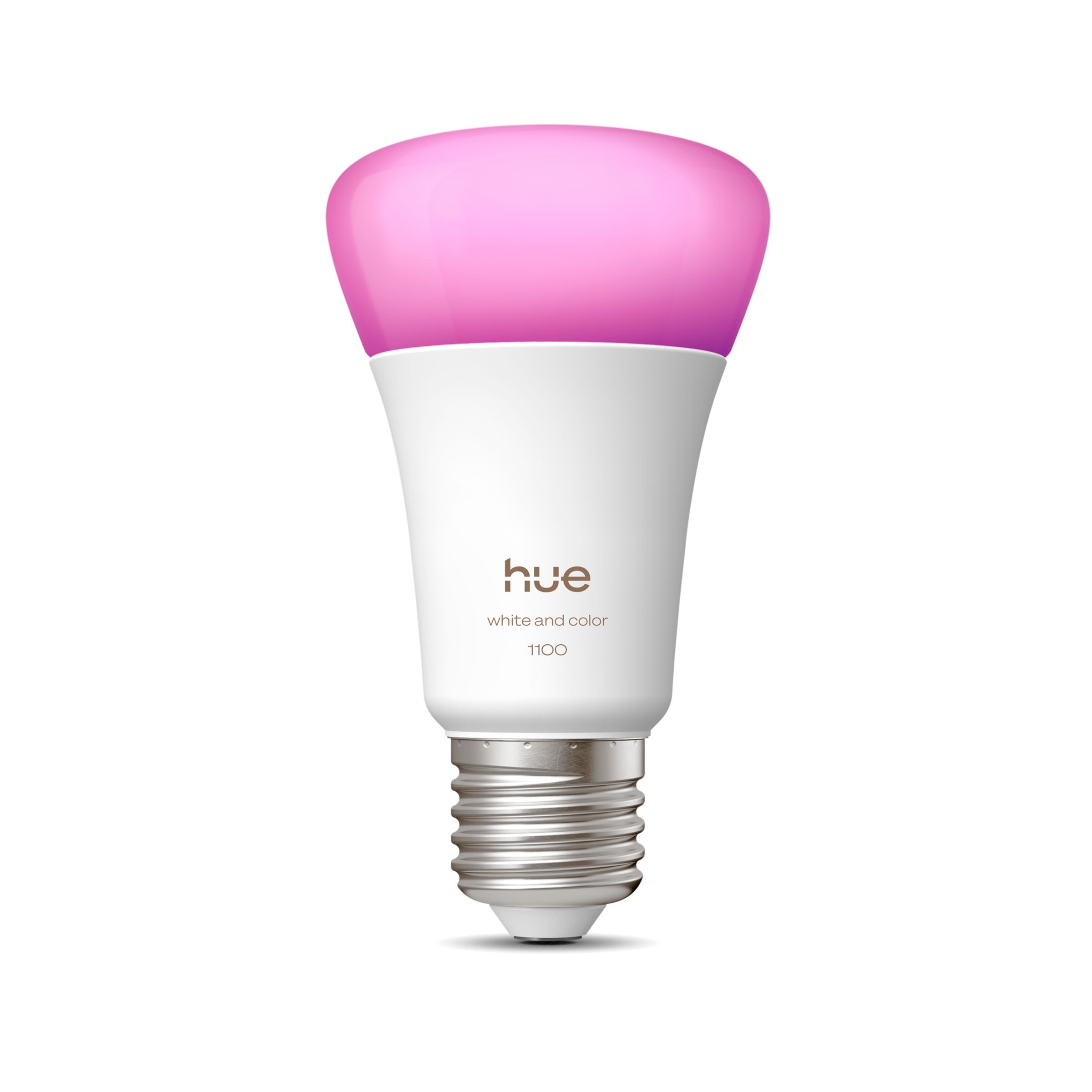
Example: Philips Hue White & Color Ambiance A60 — the gold standard, works with every ecosystem, beautiful colour reproduction.
Matter — The Game-Changer for 2026
You will see "Matter" on a lot of smart light packaging now. Here is what it means for you:
Matter is a universal smart home standard. A Matter-compatible bulb works natively with Apple HomeKit, Google Home, Amazon Alexa, and Samsung SmartThings — without bridges, without workarounds.
Before Matter, you had to pick an ecosystem. Buy Alexa lights and they might not work with Apple Home. Buy Hue lights and you needed the Hue Bridge for HomeKit.
Now? A TP-Link Tapo L535E at $18 scans a QR code and appears in all your smart home apps simultaneously. It is the most significant change in smart lighting in years.
Our recommendation for beginners: Start with Matter-over-Wi-Fi bulbs. They are cheap, universal, and future-proof.
Step-by-Step Setup (Under 5 Minutes)
Here is how to set up your first smart bulb:
Step 1 — Screw In the Bulb Replace any standard E27 bulb with your smart bulb. Turn on the wall switch.
Step 2 — Download the App - **Tapo bulbs**: Download "TP-Link Tapo" from the App Store or Play Store - **Philips Hue**: Download "Philips Hue" (you will also need the Hue Bridge plugged into your router)
Step 3 — Add the Bulb Open the app, tap "Add Device", and follow the prompts. For Matter bulbs, scan the QR code on the box.
Step 4 — Name Your Bulb Call it something voice-friendly like "Bedroom Light" or "Kitchen Lamp" — this is what you will say to your voice assistant.
Step 5 — Connect to Your Voice Assistant If you have an Echo, Nest, or HomePod, open its app and it should automatically discover the new bulb. You can now say:
- "Alexa, turn on the bedroom light"
- "Hey Google, set the kitchen lamp to 50%"
- "Hey Siri, make the lounge room warm white"
Done. Two minutes, no tools, no electrician.
Which Smart Light Should You Buy First?
On a Budget — TP-Link Tapo L535E ($18)
The Tapo L535E is the cheapest credible smart bulb in Australia. At $18, you can outfit three rooms for the price of a single Hue bulb. It supports Matter, so it works with Apple HomeKit, Google, and Alexa natively.
Buy this if: You want to try smart lighting for under $20 with no lock-in.
For the Best Experience — Philips Hue White & Color Ambiance ($99 for 2-pack)
The Philips Hue A60 2-pack delivers the richest, most saturated colours and the most reliable smart lighting experience. The Hue ecosystem is massive — light strips, outdoor fixtures, ceiling panels, and the Hue Bridge enables advanced automations.
Buy this if: You want the best colour quality and plan to expand your smart lighting setup.
Common Beginner Mistakes to Avoid
1. Leaving the wall switch off — Smart bulbs need constant power. If someone flips the wall switch off, the bulb goes "dumb". Solution: put a small sticker over the switch, or replace it with a smart switch. 2. Buying the wrong fitting — Australian homes use E27 (screw) or B22 (bayonet). Check before you buy! 3. Overloading Wi-Fi — If you plan more than 10-15 Wi-Fi bulbs, consider a bridge-based system like Hue, or upgrade your router. 4. Ignoring lumens — Smart bulbs often run at 800 lumens (60W equivalent). If you need brighter, check the specs. 5. Buying non-Matter in 2026 — Unless you are specifically buying Hue (which has its own bridge), choose Matter bulbs for maximum compatibility.
How Much Does Smart Lighting Cost in Australia?
| Setup | Cost | What You Get |
|---|---|---|
| One bedroom, budget | $18 | 1× Tapo L535E, phone control, voice control |
| Three rooms, budget | $54 | 3× Tapo L535E, whole-home voice control |
| One room, premium | $99 | 2× Philips Hue A60, bridge required separately |
| Whole home, premium | $400-$600 | Hue Bridge + 6-8 bulbs, advanced automations |
For most beginners, $54 for three Tapo L535E bulbs is the sweet spot — one for the bedroom, one for the lounge, one for the kitchen. That gives you voice control across your home for less than the cost of a pub meal.
What to Do Next
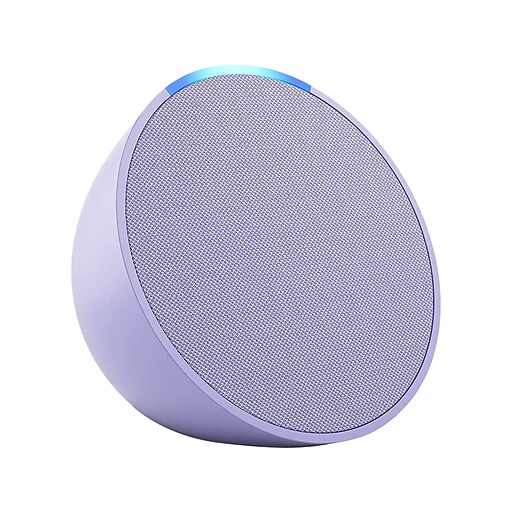
1. Start with one bulb — try a Tapo L535E for $18 and see if smart lighting clicks for you 2. Add a voice assistant — an Amazon Echo Pop ($39) or Google Nest Mini gives you hands-free control 3. Explore automations — set lights to turn on at sunset and off at bedtime 4. Check our full ranking — see the best smart lights in Australia for our top picks
Smart lighting is the easiest, cheapest entry point into the smart home. Once your first bulb responds to your voice, you will wonder how you lived without it.